
Google Play Console Registration in India: Cost, Process and How to Publish Your Android App
Learn how to register a Google Play Console developer account, understand registration requirements and fees, complete account verification, and publish your Android application on the Google Play Store.
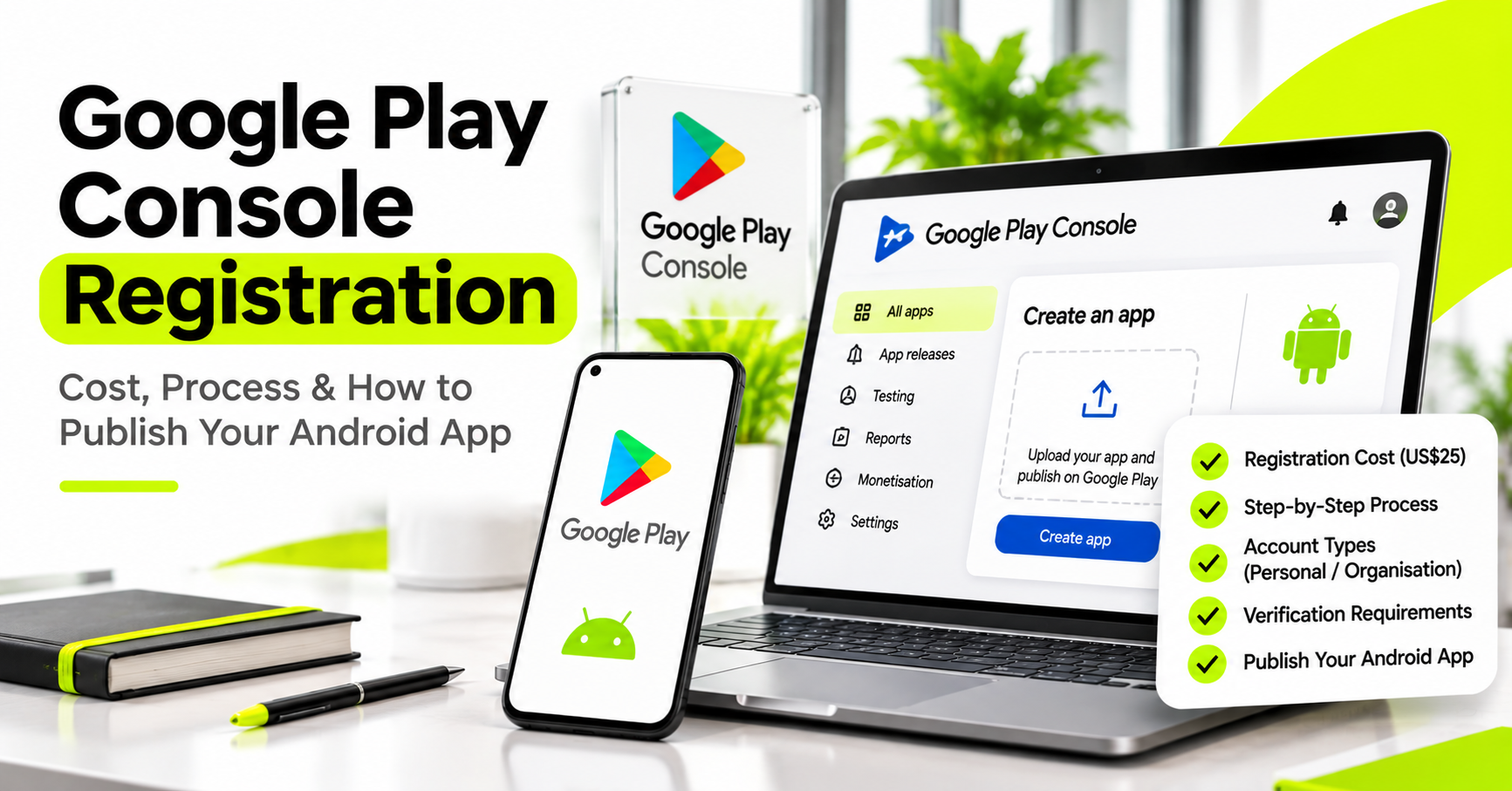
Google Play Console Registration in India: Cost, Process and How to Publish Your Android App
Building an Android application is only one part of launching your digital product. Once development and testing are complete, you need to publish the application on Google Play so users can discover and install it.
For this, you need a Google Play Console developer account.
In this guide, we'll explain the registration fee, account types, verification process, testing requirements, and what business owners should prepare before publishing an app.
What Is Google Play Console?
Google Play Console is Google's platform for developers and businesses to publish, manage, monitor, and update Android applications on Google Play.
It allows you to upload application releases, manage store listings, monitor performance, review crashes, respond to user feedback, and manage app distribution.
How Much Does Google Play Console Registration Cost?
Google charges a one-time registration fee of US$25 to create a Play Console developer account. It is not a monthly subscription.
The final amount in Indian rupees can vary according to the exchange rate, bank conversion charges, and applicable payment terms.
Official reference: Google Play Console – Get Started.
Personal Account vs Organisation Account
Google offers personal and organisation developer account types. If you are publishing an app for your registered business, consider whether an organisation account is appropriate.
Account type affects identity verification and the information Google requires. Choose the correct type rather than creating an account under an unrelated person's details.
What Do You Need Before Registering?
- An active Google Account
- Required personal or organisation details
- Payment method accepted by Google
- Contact details
- Identity or organisation verification documents as requested
- Access to the business information used for the app
How to Register a Google Play Console Account
- Visit the Google Play Console registration page.
- Sign in with your Google Account.
- Review and accept the Developer Distribution Agreement.
- Select the appropriate personal or organisation account type.
- Pay the one-time US$25 registration fee.
- Complete the identity and account verification steps requested by Google.
- Provide the required contact and developer details.
- Access the Play Console after registration and verification.
Do New Personal Accounts Have Testing Requirements?
Yes. Google applies specific testing and device-verification requirements to certain new personal developer accounts before they can distribute apps publicly. The exact requirements depend on account eligibility and Google's current policies.
Review the latest requirements directly in the Google Play Console Help Centre before planning your launch date.
What Happens After Registration?
Once your account is ready, the publishing process typically includes:
- Creating the app entry in Play Console
- Uploading the signed Android App Bundle
- Adding the app name and description
- Uploading screenshots and store graphics
- Completing app content and data safety declarations
- Configuring app access and testing tracks
- Reviewing policy requirements
- Submitting the release for Google's review
Does the Registration Fee Include App Development?
No. The US$25 fee only covers developer account registration. It does not include app design, development, testing, server hosting, payment gateway integration, or maintenance.
To understand the complete project economics, read our guide to the real cost of building a mobile app in India.
Common Mistakes to Avoid
- Registering under the wrong account type
- Using inaccurate identity or business details
- Uploading an app without testing its main workflows
- Ignoring privacy policy and data safety requirements
- Assuming account registration guarantees app approval
- Giving away ownership of the developer account without a clear agreement
Final Thoughts
Google Play Console registration is a small but essential part of launching an Android application. The one-time fee is only the beginning. A successful launch also requires a properly developed, tested, documented, and policy-compliant application.
Need Help Building and Publishing Your Android App?
Next Code Company helps businesses plan and develop Android and iOS applications, backend systems, admin dashboards, and complete digital products.
Before starting development, we help understand your requirements and identify what is needed for a practical launch.
Book a free business consultation with Next Code Company.
Related articles
Have a story worth engineering?
We turn strategy into shipped software. Book a free consultation and we'll map the build, the timeline and the cost.