
UPI AutoPay for SaaS Subscriptions: How Recurring Payments Work in India
How UPI AutoPay works for subscriptions, the customer experience, what a business needs to accept it, and how we built UPI AutoPay billing into CloseLyt.
UPI AutoPay lets customers in India approve a recurring payment once in their UPI app and then be charged automatically every month, quarter or year. For SaaS products, apps and membership businesses, it is the most familiar way for Indian customers to pay a subscription: no card details, no remembering to renew.
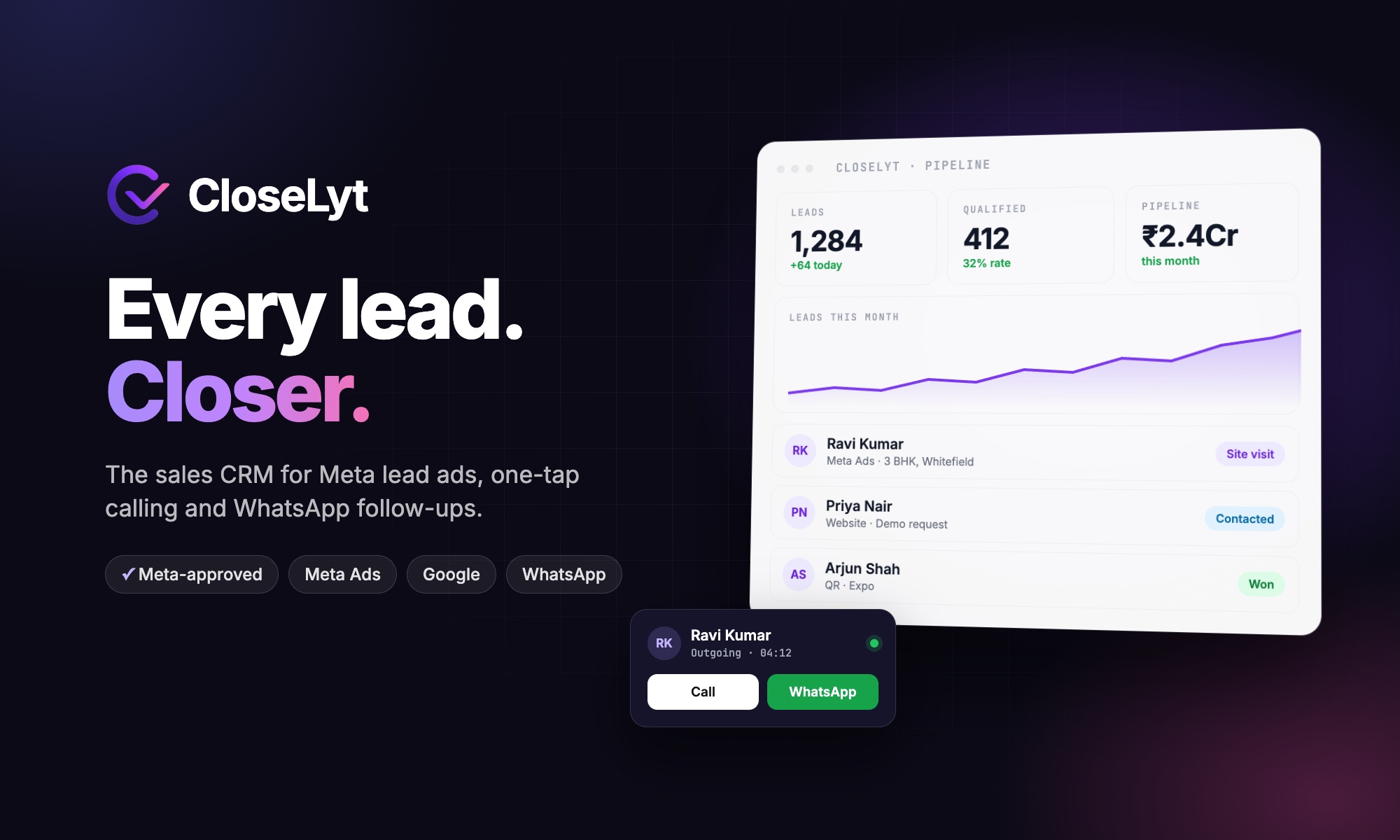
This guide explains how UPI AutoPay works, the customer experience, what a business needs to accept it, and how we built subscription billing with UPI AutoPay into CloseLyt, our AI sales CRM.
How UPI AutoPay works
- The customer chooses a plan on your website or app and selects UPI AutoPay.
- They approve a mandate in their UPI app (Google Pay, PhonePe, Paytm, BHIM and others) by entering their UPI PIN once. The mandate shows the merchant, the maximum amount and how often it can be charged.
- Before each charge, the customer receives a pre-debit notification from their app or bank.
- On the due date, the amount is debited automatically, without the customer doing anything.
- The customer stays in control: they can pause or cancel the mandate from their UPI app at any time.
Why UPI AutoPay suits Indian subscriptions
- Familiar: almost every smartphone user in India already pays by UPI.
- No card needed: many small businesses and professionals do not use credit cards for business payments.
- Fewer failed renewals: payments do not depend on the customer remembering.
- Transparent: customers see and manage the mandate in an app they trust, which makes them more willing to start.
What a business needs to accept UPI AutoPay
- A payment gateway that supports UPI AutoPay (subscriptions or recurring payments) for your business type.
- Plans defined in your system: amount, billing period and any trial.
- Subscription logic in your app: creating the mandate, recording each payment, handling failures and cancellations.
- Clear policies: pricing, refund and cancellation terms shown before the customer approves.
Subscription billing done right: what to build
| Feature | Why it matters |
|---|---|
| Free trial | Lets customers use the product before the first charge |
| Monthly, quarterly and yearly plans | Discounts for longer commitments improve cash flow |
| Per-user pricing | Revenue grows as customer teams grow |
| Automatic plan management | Access is switched on, upgraded or paused based on payment status |
| Failed payment handling | Reminders and a grace period before access is restricted |
| Cancel from settings | Customers can stop AutoPay without contacting support |
| GST invoices | Business customers need tax invoices for every payment |
How CloseLyt uses UPI AutoPay
CloseLyt is sold as a self-serve SaaS product with per-user plans priced in rupees and a 14-day free trial on every plan. Customers pick a plan, approve UPI AutoPay, and CloseLyt manages the subscription automatically. They can cancel AutoPay from Settings → Billing whenever they choose. Plans and prices are managed from a super admin panel, so changes do not need new code.
UPI AutoPay vs card subscriptions vs manual renewals
| UPI AutoPay | Card subscription | Manual renewal | |
|---|---|---|---|
| Customer setup | Approve once with UPI PIN | Enter card details | Pay each time |
| Reach in India | Very high | Limited to card users | High |
| Missed renewals | Low | Low (card expiry aside) | High |
| Customer control | Pause or cancel in UPI app | Through bank or merchant | Full |
Frequently asked questions
Can customers cancel UPI AutoPay?
Yes. A mandate can be paused or cancelled from the customer's UPI app, and well-built products also offer cancellation from their own billing settings.
Do customers get notified before each payment?
Yes. Recurring UPI payments come with a pre-debit notification before the amount is charged.
Can I add UPI AutoPay to an existing app?
Usually, yes. It needs a supporting payment gateway, plan and subscription logic in your backend, and screens for customers to start, manage and cancel their subscription.
Building a SaaS product or subscription app? See how we built CloseLyt, read our SaaS development cost guide, or talk to Next Code Company.
Related articles
Have a story worth engineering?
We turn strategy into shipped software. Book a free consultation and we'll map the build, the timeline and the cost.