
Custom Software vs Off-the-Shelf Software: Which Is Right for Your Business?
Should your business invest in custom software or use an existing solution? Compare costs, flexibility, workflows, integrations, scalability, and long-term ownership to determine which approach fits your business requirements.
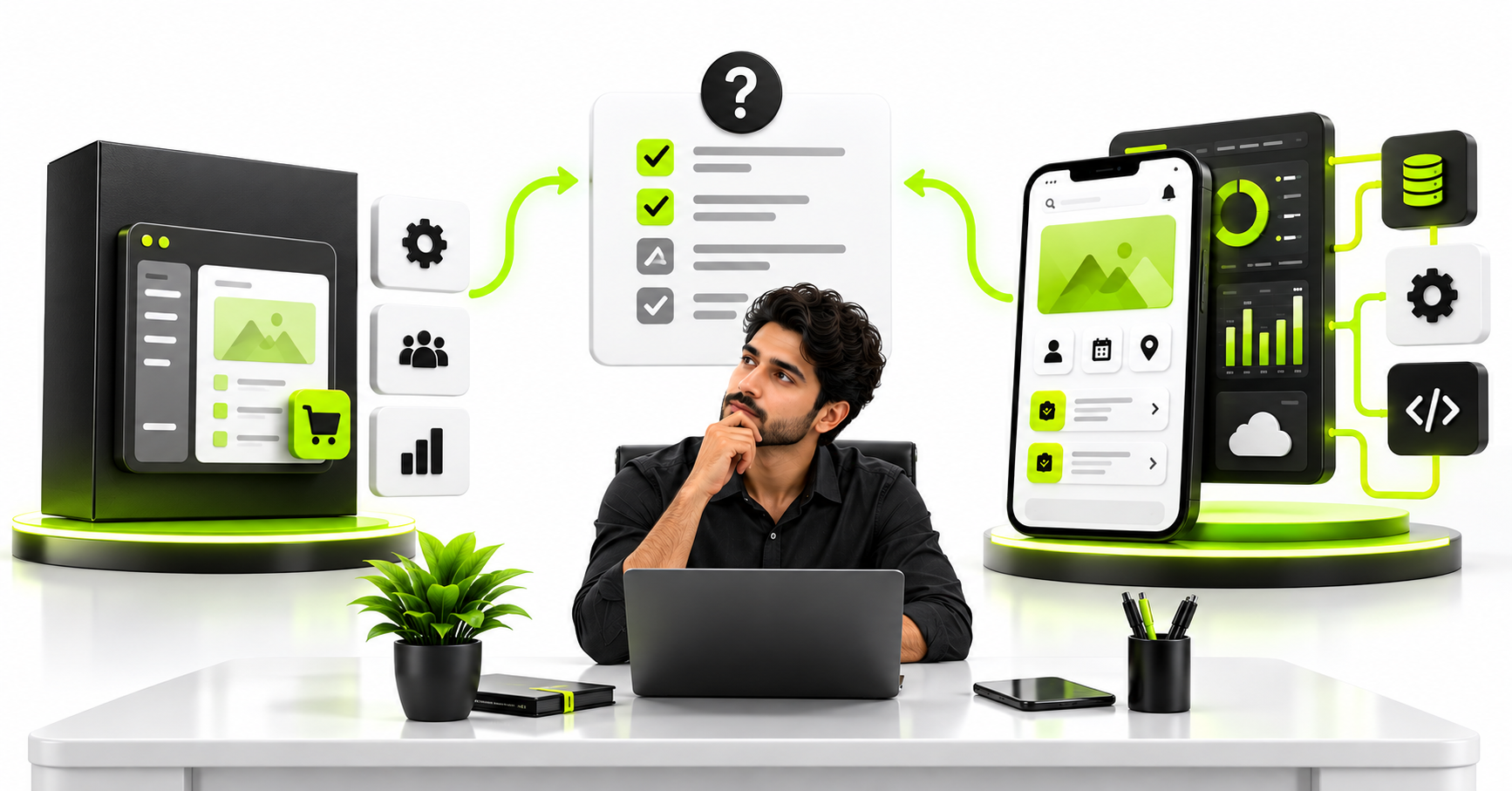
Should you buy ready-made software or invest in a custom solution? The right answer depends on how your business operates, what problem you need to solve, and whether existing tools can support your requirements effectively.
Ready-made software can help businesses get started quickly without building everything from scratch. Custom software, on the other hand, can be designed around specific workflows, business rules, and operational requirements that existing products may not support.
However, custom development is not automatically the better option, and ready-made software is not always the cheaper option over the long term. The decision requires a clear understanding of your business processes, current limitations, budget, and future plans.
This guide compares custom software and off-the-shelf solutions to help you decide which approach makes sense for your business.
What is off-the-shelf software?
Off-the-shelf software is an existing product developed for a broad market or a particular category of users. Businesses can generally subscribe to or purchase it and configure the available features to suit their needs.
Examples include ready-made accounting platforms, customer relationship management systems, project management tools, inventory applications, and e-commerce platforms.
These products can provide a practical starting point when your requirements align with their existing functionality.
Common advantages include:
- Faster implementation than building an equivalent product from scratch.
- Established features and documented workflows.
- Existing customer support and product updates.
- Lower initial investment for many standard business needs.
- Access to integrations already supported by the vendor.
However, the software may not support every business rule or workflow you require. You may need to adapt your processes, purchase additional modules, use third-party integrations, or accept certain limitations.
What is custom software development?
Custom software is designed and developed around the requirements of a particular business, product, or operational process.
Instead of adapting your business entirely to an existing product, you can define how the software should work based on your users, workflows, business rules, and objectives.
Examples include a custom loan processing platform, a specialised inventory management system, a multi-vendor marketplace, or an application that connects several internal business processes.
Potential advantages include:
- Workflows designed around your business requirements.
- Greater control over feature priorities and product direction.
- Purpose-built integrations with existing systems.
- Flexibility to introduce functionality as requirements evolve.
- Control over the software roadmap, subject to contractual and technical arrangements.
Custom development also involves responsibilities. Your business must plan for implementation, testing, hosting, security, maintenance, and future improvements. These costs should be considered before committing to the project.
Custom software vs off-the-shelf software: Key differences
| Factor | Off-the-shelf software | Custom software |
|---|---|---|
| Initial implementation | Often quicker | Usually requires more planning and development |
| Initial cost | Often lower | Generally higher for a comparable initial scope |
| Workflow flexibility | Limited to supported features and configuration | Can be designed around defined business rules |
| Integrations | Depends on supported connectors and APIs | Can be designed for required integrations |
| Feature changes | Depends on vendor capabilities and roadmap | Can be planned around your product roadmap |
| Maintenance | Much of the core product maintenance is handled by the vendor | Your business must arrange ongoing maintenance |
| Ownership | Usually a licence or subscription, not ownership of the underlying product | Depends on the development contract and third-party licences |
| Vendor dependency | Depends on vendor pricing, policies, and export options | Depends on architecture, documentation, hosting, and team arrangements |
These are general comparisons, not universal rules. Some ready-made products are highly configurable, while custom projects can also have significant vendor dependency if ownership and handover are not addressed properly.
1. Start with your business requirements, not the technology
Before comparing products or requesting a development quotation, identify the actual problem you need to solve.
For example, a business might say it needs a custom CRM because its existing sales process is inefficient. But the underlying problem could be poor data quality, inconsistent follow-ups, unclear sales responsibilities, or a lack of reporting.
A different CRM configuration or an improved workflow might solve the problem without custom development.
Alternatively, the business may have complex approval rules, specialised pricing calculations, and integrations that standard CRM products cannot reasonably support. In that case, a custom solution or a combination of existing and custom components may be justified.
Before making the decision, document:
- The business problem and its operational impact.
- The users and their responsibilities.
- The current workflow and its limitations.
- The essential business rules and exceptions.
- The systems and data that must be connected.
- The outcomes that would indicate a successful solution.
This analysis creates a meaningful basis for deciding whether to buy, build, or combine both approaches.
2. When does off-the-shelf software make more sense?
Ready-made software is often a sensible choice when your requirements are common, the product already supports the necessary workflows, and configuration can meet your needs without extensive workarounds.
Your requirements are standard
If your business needs conventional accounting, basic project management, employee collaboration, or standard customer records, an established product may already provide the functionality you need.
Building an equivalent system from scratch could add cost and maintenance responsibilities without delivering enough additional value.
You need to get started quickly
When an existing product can be configured to support your processes, implementation may be faster than developing and testing a new application.
This can be particularly useful for startups and small businesses that need to establish essential operations before investing in more specialised systems.
Your budget is limited
A subscription may provide access to substantial functionality without a large initial development investment. However, compare the subscription fees, implementation charges, user limits, premium modules, and future price changes.
A lower starting price does not necessarily mean a lower total cost over several years.
The vendor meets your integration and security needs
Existing products can be attractive when they support the required integrations, access controls, data export, backup arrangements, and security expectations.
Confirm these capabilities rather than assuming that every product offers the same level of control.
3. When should you consider custom software?
Custom development becomes worth evaluating when the limitations of existing products materially affect your business operations or prevent you from delivering the required service.
Your business has specialised workflows
Some businesses follow processes that do not fit neatly into standard software categories.
For example, a financial services workflow may involve multiple review stages, document verification, eligibility rules, approval limits, and audit requirements. A generic application may support some of these steps but not the complete process.
Custom development can help implement the required workflow, provided the requirements are clearly defined and the project is appropriately scoped.
Existing tools create disconnected processes
If employees repeatedly transfer information between spreadsheets, email, accounting software, and customer management systems, the problem may involve integration and process design rather than missing individual features.
A custom application or integration layer can connect selected systems, reduce duplicate data entry, and provide a more consistent operational view.
Before rebuilding everything, evaluate whether existing APIs and automation tools can achieve the same result at a lower cost.
Your product is central to your competitive advantage
If your business depends on a distinctive customer experience, specialised pricing model, unique marketplace workflow, or proprietary operational process, standard software may limit how the product evolves.
Custom development can provide greater control over these capabilities. However, building unique software does not automatically create a competitive advantage; the solution must deliver value that customers or the business actually need.
You need control over the product roadmap
With off-the-shelf software, new functionality depends partly on the vendor's roadmap and supported configuration options.
A custom product gives your business more influence over feature priorities and release decisions. The degree of control still depends on the contract, source-code access, technical architecture, and the team's ability to maintain the system.
4. Compare the total cost, not just the initial price
One of the biggest mistakes in the build-versus-buy decision is comparing a software subscription with a custom development quotation as though they cover the same costs and responsibilities.
They often do not.
For ready-made software, consider:
- Subscription and renewal charges.
- Per-user pricing and usage limits.
- Setup, configuration, and training.
- Premium modules and integration charges.
- Data export or migration costs.
- The cost of changing products later.
For custom software, consider:
- Requirements analysis and design.
- Development, testing, and deployment.
- Cloud infrastructure and third-party services.
- Security updates and maintenance.
- Support, monitoring, and recovery.
- Future enhancements and technical upgrades.
Compare these expenses over a consistent period, such as three years, using realistic assumptions about users, usage, support, and expected changes.
For a broader budgeting framework, read our guide to custom software development costs in India.
5. Consider a hybrid approach before choosing either extreme
The decision does not always have to be entirely custom or entirely ready-made.
A hybrid approach uses established products for standard functions while developing custom components for business-specific requirements.
For example, a company might use an existing accounting platform, a ready-made customer support tool, and a custom operations dashboard that connects relevant information from both.
Another business might use a standard payment gateway and messaging service while developing its own customer-facing mobile application.
This approach can reduce the amount of software you need to build while preserving control over the workflows that make your business different.
However, integration complexity, data ownership, API limits, and external vendor dependencies must still be considered.
6. Think about security, ownership, and long-term control
Security and control matter regardless of whether you choose custom or ready-made software.
For an existing product, investigate how access permissions work, where data is stored, what export options are available, how backups are managed, and whether the vendor's security arrangements meet your requirements.
For custom development, clarify source-code ownership, third-party licences, repository access, hosting arrangements, documentation, and maintenance responsibilities in the contract.
Also consider what happens if your business outgrows the solution or needs to change providers. Can your data be exported? Are the required integrations documented? Can another team reasonably maintain the system?
These questions help you understand the practical consequences of the decision beyond the initial implementation.
7. Ask the right questions before deciding to build or buy
Before approving a software project, ask your team or development partner:
- What specific business problem are we trying to solve?
- Can an existing product meet the essential requirements?
- Which requirements cannot be met through configuration or existing integrations?
- What are the initial and ongoing costs of each option?
- How much operational disruption will implementation involve?
- What data, security, and ownership requirements must be met?
- Can a phased or hybrid approach reduce risk?
- How will we measure whether the chosen solution is successful?
A useful recommendation should explain the reasoning behind the decision, the assumptions involved, the alternatives considered, and the trade-offs you are accepting.
Why business understanding matters more than a technology-first recommendation
When you approach a software development company, you should expect more than a list of technologies and an estimate for the features you mention.
A good engineering partner should first understand how your business works, what is preventing it from achieving its objectives, and whether custom development is actually necessary.
Sometimes, the best recommendation will be to use an existing product. In other situations, it may be to customise a solution, connect several tools, or develop a purpose-built application.
The recommendation should follow from the requirements rather than from a preference to build more software.
At Next Code Company, our business-first positioning centres on understanding the problem before deciding on the implementation. The aim is to help clients evaluate their options, identify missing requirements, consider operational implications, and plan an appropriate solution.
Software engineering should help you make a better business decision—not simply turn an initial idea into code without examining whether it is the right approach.
Frequently asked questions
Is custom software better than off-the-shelf software?
Neither option is universally better. Ready-made software is often suitable for standard workflows and faster implementation. Custom software may be appropriate when specific requirements cannot be met effectively by existing products or when tailored functionality provides sufficient business value.
Is custom software more expensive?
Custom software generally requires a larger initial development investment than subscribing to an existing product with comparable basic functionality. The total cost over time depends on maintenance, subscriptions, integrations, user growth, support, and future changes.
Can a small business benefit from custom software?
Yes, when the software addresses an important operational problem or enables a valuable business capability. However, a small business should compare custom development with existing tools and consider a focused first release before committing to a large project.
Can I combine ready-made software with custom development?
Yes. A hybrid approach can use established products for standard capabilities and custom software for specialised workflows. The feasibility depends on API access, integration costs, data consistency, and the requirements of each system.
How do I know when to replace an existing software product?
Consider replacement when important requirements remain unsupported, workarounds create substantial operational problems, integration limitations prevent necessary processes, or the product no longer meets your security or commercial needs. Compare the cost and risk of replacement with configuration, integration, or process improvements first.
Final thoughts
The decision between custom software and off-the-shelf software should begin with your business requirements, not a preference for a particular technology or development approach.
Use ready-made products when they meet your needs effectively. Consider custom development when the business case justifies the additional investment and responsibility. Where appropriate, combine existing tools with tailored components.
Most importantly, work with people who can understand your business, examine alternatives, and explain why a proposed solution is suitable.
If you are evaluating a business application, mobile app, or software automation project, discuss your requirements with Next Code Company. Start with the problem you need to solve, and use that understanding to determine the right way forward.
Published October 29, 2026. This article provides general decision-making guidance. Costs, suitability, and implementation requirements vary by business and product.
Related articles
Have a story worth engineering?
We turn strategy into shipped software. Book a free consultation and we'll map the build, the timeline and the cost.