Google Form Alternative for Lead Capture: Forms That Go Straight to Your Sales Team
Why Google Forms falls short for sales leads, what a lead capture form needs instead, and how CRM-connected forms with QR codes and round-robin assignment work.
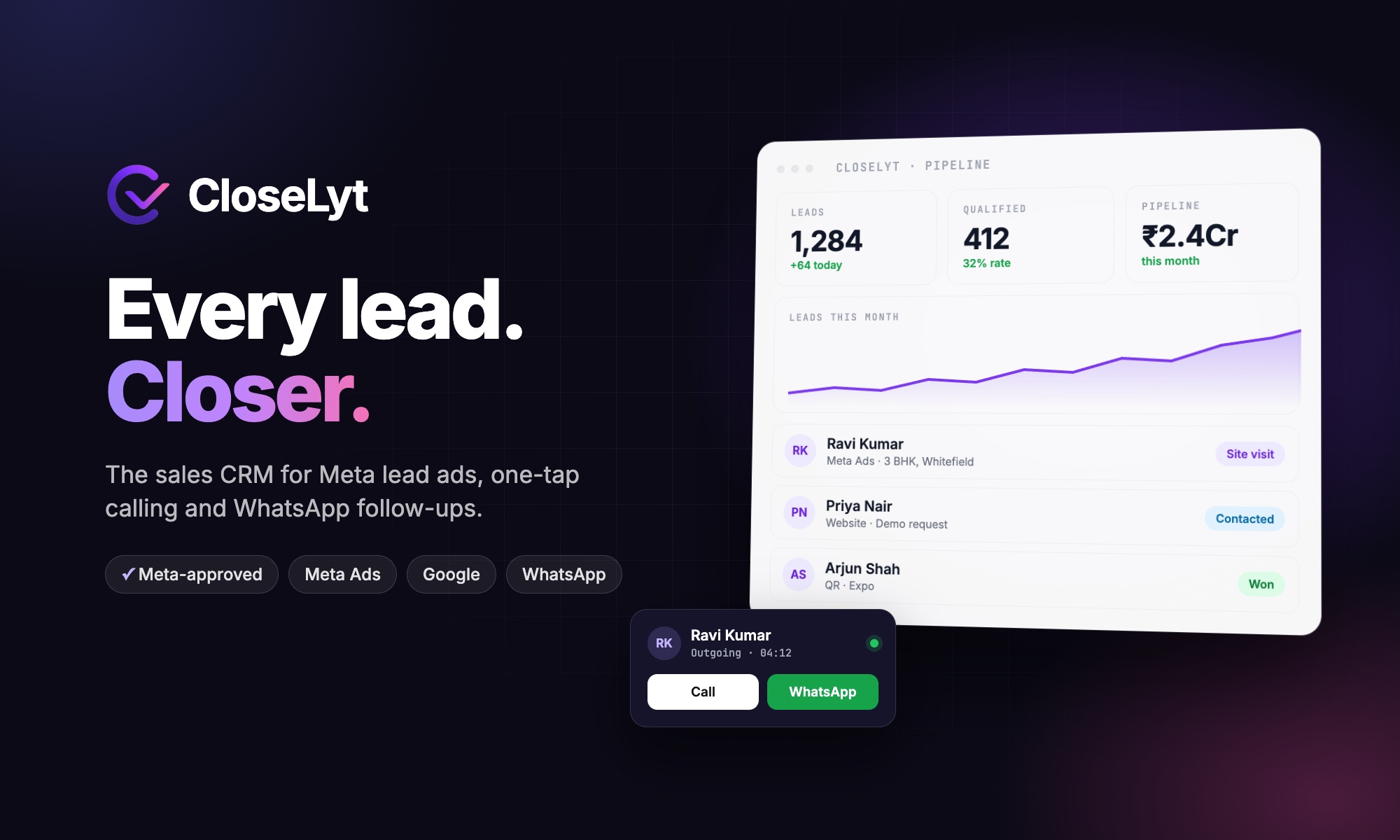
Google Forms is free, quick and familiar, which is why so many businesses use it to collect enquiries. But when those enquiries are sales leads, a form that ends in a spreadsheet becomes the slowest part of your sales process. This guide explains where Google Forms falls short for lead capture, what a better alternative needs, and how CRM-connected forms like the ones we built into CloseLyt close the gap.
Why Google Forms is not built for sales leads
- Responses end up in a sheet. Someone still has to read it, copy leads into a CRM or split them between salespeople.
- No owner, no follow-up. A response does not belong to anyone, so it is easy for nobody to call.
- No duplicate or number checks. The same person can submit twice, and wrong numbers are only found when someone dials them.
- No speed. The fastest response wins most sales, but sheets are usually checked hours or days later.
- No attribution. It is hard to tell which ad, event or QR code produced which customer.
Google Forms is great for surveys and internal checklists. For leads, you need a form that is part of your sales system.
What a lead capture form alternative should do
| Need | Google Forms | CRM-connected lead form |
|---|---|---|
| Branded design with images | Basic themes | Your branding, images and layout |
| Multi-step and conditional questions | Sections and branching | Multi-step forms and conditional logic |
| QR code for print | Needs a separate tool | Built in for every form |
| Lead created in the CRM | No (sheet only) | Instantly, with source recorded |
| Phone validation and duplicates | No | Checked on submission |
| Assignment to a salesperson | No | Automatic, e.g. round robin |
| Call and WhatsApp from the lead | No | One tap |
| Results by form or event | Response count only | Leads, calls and sales by source |
How CRM-connected lead forms work
- Build the form with the fields you need, images and your branding; add steps, conditions or file uploads if required.
- Share it anywhere: embed it on your website, send the link, or print it as a QR code for a reception desk, brochure or expo stall.
- The lead is created instantly in the CRM: number validated, duplicates checked, source recorded.
- It is assigned automatically to the next salesperson by round robin or by rules (city, product, campaign).
- The salesperson acts within minutes: a one-tap call or an approved WhatsApp template, with every outcome logged.
Already using Google Forms?
You do not have to switch overnight. Many CRMs, including CloseLyt, can import Google Forms and Google Sheets responses so they become leads with owners and follow-ups. Use that for existing forms, and move new campaigns and events to CRM-native forms with QR codes.
When a basic form is enough
- Internal feedback, surveys and attendance.
- Very low lead volumes that one person checks daily.
- Forms that do not need a sales follow-up.
When leads drive revenue, the form should feed the people who sell, not a spreadsheet.
Frequently asked questions
What is the best Google Form alternative for collecting leads?
Choose a form builder that is part of a CRM, so every response becomes a lead with an owner, a follow-up and a record of calls and messages. CloseLyt includes forms, QR codes and round-robin assignment for Indian sales teams.
Can I make a QR code for a lead form?
Yes. CRM form builders generate a QR code for each form; visitors scan it and fill the form on their phone. See our guide to QR code forms for events and registrations.
Can a form assign leads to my sales team automatically?
Yes. With a CRM-connected form, each submission can be assigned round robin or by rules, and the salesperson is notified immediately.
Want a custom lead capture system or CRM for your business? Read our custom CRM guide or talk to Next Code Company.
Related articles
Have a story worth engineering?
We turn strategy into shipped software. Book a free consultation and we'll map the build, the timeline and the cost.