Grocery App Development: Types, Features and How to Build One
A practical guide to grocery app development: app types, modules, must-have features, quick commerce, and B2C vs B2B grocery apps.
Grocery app development has moved from a nice-to-have to a necessity for supermarkets, kirana chains, organic stores and wholesalers. Customers expect to order groceries from their phone, pay by UPI and see exactly when the order will arrive, whether it is a household top-up or a restaurant's weekly stock.
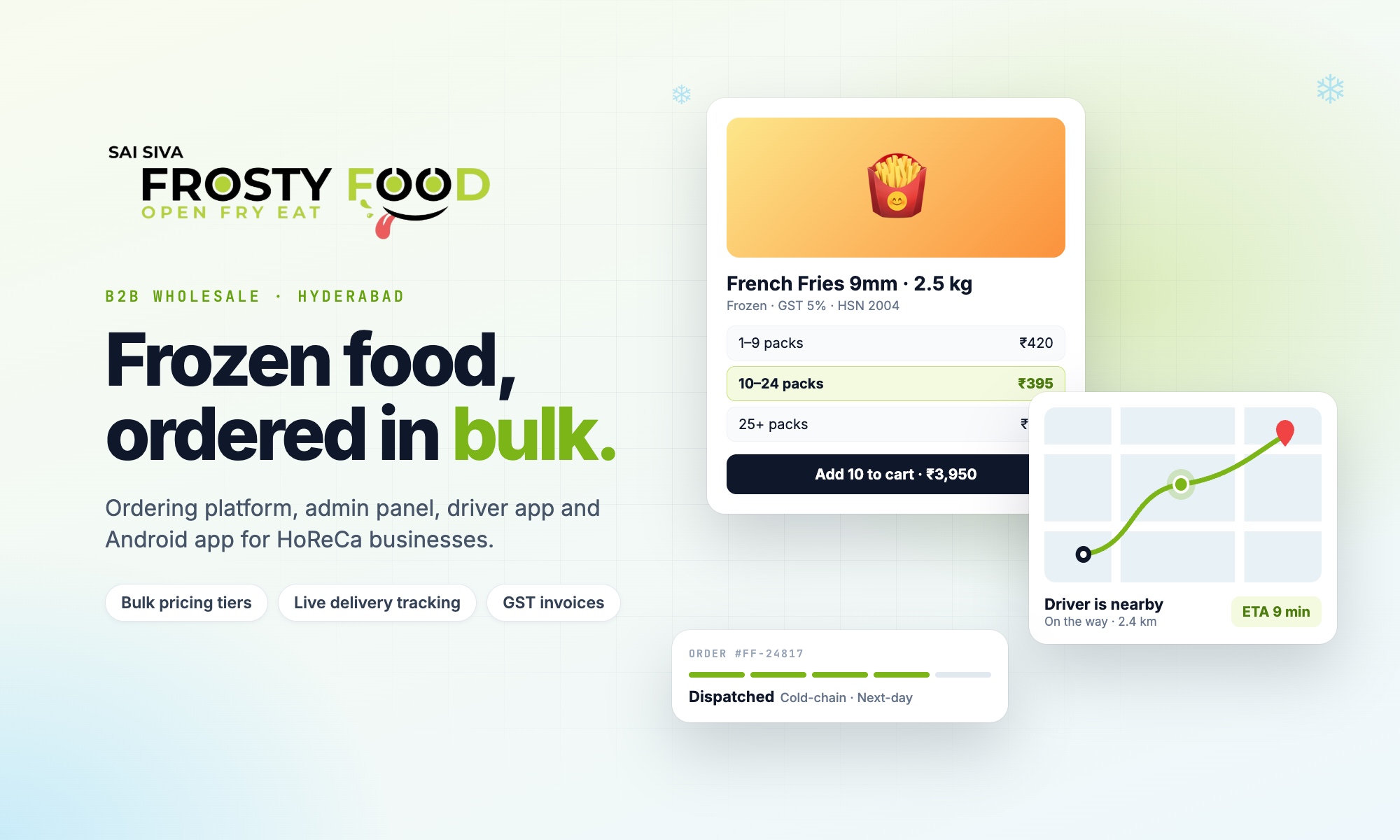
This guide covers the types of grocery delivery apps, the modules and features you need, what changes between B2C and B2B grocery, and how to plan the build. Examples come from the B2B food ordering and delivery platform we built for Frosty Food in Hyderabad, which supplies frozen, ambient, dairy and beverage products to hotels, restaurants and cafés.
Types of grocery delivery apps
| Type | Delivery promise | Key challenge |
|---|---|---|
| Single-store grocery app | Same day or slot-based | Keeping stock and prices accurate |
| Multi-store chain app | Nearest store fulfils | Routing orders to the right store |
| Quick commerce (10–30 minutes) | Minutes, from dark stores | Tight zones and fast picking |
| Grocery marketplace | Varies by seller | Seller onboarding and payouts |
| B2B grocery and food supply | Same day or next day | Bulk pricing, GST invoices, credit |
Modules of a grocery delivery app
- Customer app and website: catalogue, search, cart, checkout, order tracking, reorder.
- Admin panel: products, prices, stores, delivery zones, orders, payments, reports.
- Store manager panel: incoming orders, packing and dispatch for their store.
- Delivery app: assigned orders, navigation, live location, proof of delivery.
Frosty Food runs exactly this setup: a customer website and Android app, a super admin panel, a store manager panel and a delivery app, all on one system.
Must-have features
Catalogue and search
- Categories and brands (frozen, dairy, beverages, staples), pack sizes and clear photos.
- Availability per product, so out-of-stock items cannot be ordered.
- Bulk upload of products, prices and photos from Excel, because grocery catalogues run into hundreds or thousands of items.
Cart and checkout
- Minimum order value and free-delivery threshold, shown as "add ₹X more for free delivery".
- Delivery slots or same-day/next-day options with daily cut-off times.
- Store pickup with chosen time.
- Saved addresses checked against your delivery zones (see geofencing for delivery apps).
- Coupons with minimum order, expiry and usage limits.
Payments
- UPI apps, cards, netbanking and wallets through a payment gateway.
- Direct UPI and bank transfer with payment screenshot verification for business buyers.
- Cash on delivery with collection tracking.
After the order
- Order stages from packed to delivered, with push notifications at each step.
- Live driver tracking and "driver is nearby" alerts.
- Adding items to an order before dispatch, and one-tap reorder.
- Ratings for products and delivery, and replacement requests.
B2C vs B2B grocery apps
| B2C grocery | B2B grocery and food supply | |
|---|---|---|
| Customer | Households | Restaurants, hotels, cafés, caterers, shops |
| Pricing | MRP, offers and coupons | Tiered bulk pricing per product |
| Accounts | Open sign-up | Approved business accounts with GST number |
| Invoices | Simple bill | GST invoice with HSN-wise tax summary |
| Payment | Prepaid or cash on delivery | UPI, bank transfer, credit line |
| Delivery | Slots or minutes | Same-day or next-day, by zone |
If you supply businesses, read our guide to distributor management systems.
Quick commerce apps: what is different
Apps that promise delivery in minutes, like Blinkit or Zepto, depend on small delivery zones around dark stores, very fast picking, live stock per store and tight driver dispatch. Before copying that model, check whether your customers need minutes, or whether reliable same-day or slot delivery serves them better at a fraction of the operating cost.
Planning your grocery app build
- Define your delivery promise and area: minutes, same day or next day, and where.
- Prepare the catalogue: products, pack sizes, prices and photos in a spreadsheet.
- Choose payment methods your customers already use.
- Build the first release: catalogue, cart, checkout, payments, orders and delivery.
- Launch on web and Android, then add iOS, tracking, ratings and campaigns.
Frequently asked questions
Should I build a grocery website or a mobile app first?
For most grocery businesses, a fast mobile website plus an Android app covers the majority of Indian customers. Both should share one system so prices, stock and orders always match.
Can a grocery app handle multiple stores?
Yes. Each store has its own address, hours, manager and delivery zone, and orders can be routed to the right store.
How do I stop orders from areas I cannot deliver to?
Draw your delivery area on a map. The app checks each address and only accepts orders from inside it.
How much does grocery app development cost in India?
It depends on the type of app and the modules. See our e-commerce app development cost guide, or ask for a written quote.
Looking for a grocery app development company in Hyderabad? Book a free consultation with Next Code Company.
Related articles
Have a story worth engineering?
We turn strategy into shipped software. Book a free consultation and we'll map the build, the timeline and the cost.